
How to Check Criminal History in Enterprise
Start by naming the event and the result sought. An incident narrative belongs at Enterprise Police Records. A city ordinance, traffic, or other municipal matter belongs with Enterprise Municipal Court. A Coffee County jail intake belongs with the Sheriff in New Brockton, while an eastern-division District or Circuit Court file belongs with the Coffee clerk on South Edwards Street. A statewide self-review is a separate fingerprint process through the Alabama Law Enforcement Agency, not a public name search.
- Confirm that the event occurred in the Coffee County part of Enterprise and identify the agency that handled it.
- Ask Enterprise Police Records for the criminal or accident report, using the report number, date, location, and requester identification.
- Contact Enterprise Municipal Court for a local court record or local background check within its jurisdiction.
- Check Coffee County jail custody and the eastern clerk division when a booking or state-court prosecution followed.
- For an audit of one’s own Alabama history, use ALEA’s fingerprint-based review and challenge process.
A name alone is weak proof. Match the date, charge, report or case number, court, and outcome before treating two entries as the same event.
Enterprise Police Records Counter
Enterprise Police Records publishes a specific local route that is more useful than a general county request. The office is at 501 South Main Street, Enterprise, AL 36330. Counter hours are Monday through Friday, 7:30 a.m. to 4:30 p.m. The direct records and accident-report number is (334) 348-2679, while UCR and statistics questions go to (334) 348-2688.
The division supplies criminal and accident report copies. Bring or state enough detail to isolate the event, including the incident date, location, report number when known, and the requester’s connection to the record. Protected victim data, full identifiers, active investigative facts, and other restricted content may be removed. A police report records allegations and the agency response. It does not show the final plea, dismissal, verdict, or sentence.
The official Enterprise records source is shown in the image below.
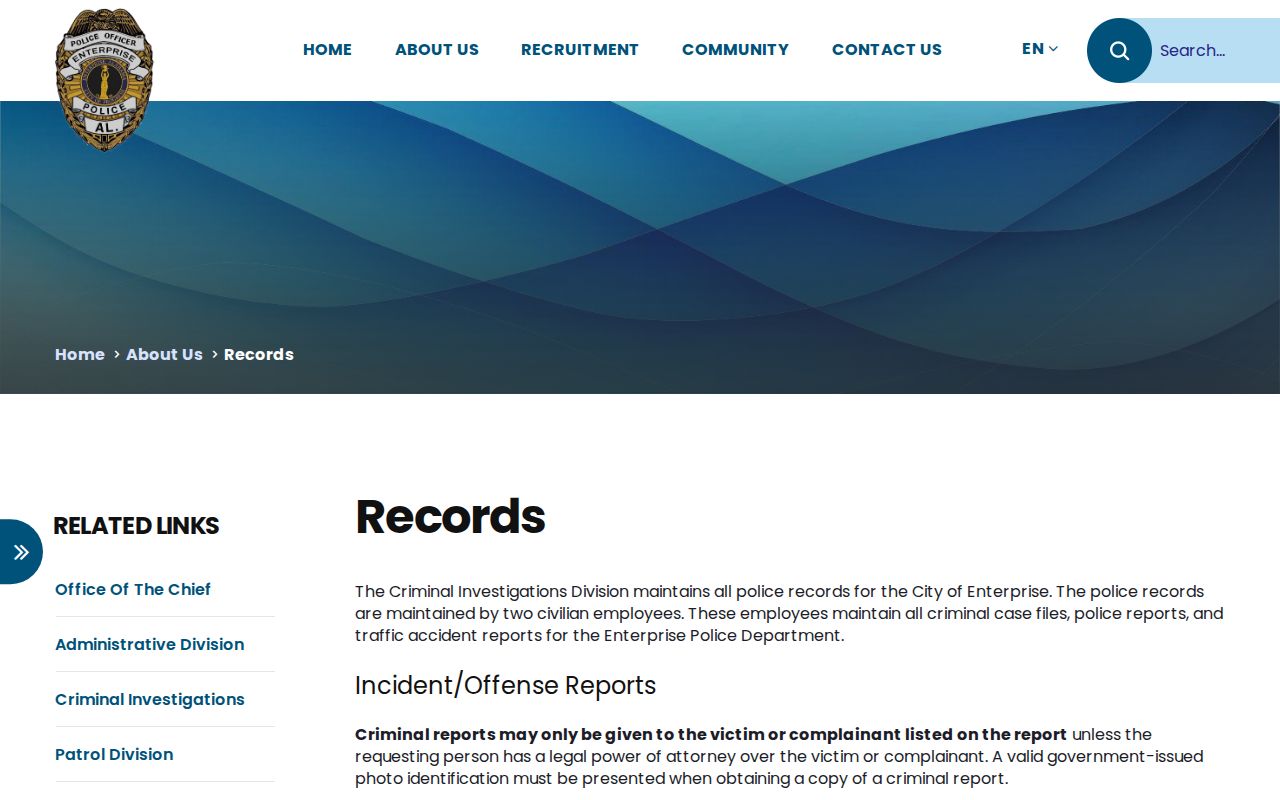
That source anchors the city-specific fee, mailing, hours, and report-delivery details used for an Enterprise records request.
The Enterprise Police Department
The Enterprise Police Department is the creator of city incident and arrest reports. Its detective department issues criminal and accident report copies. Accident reports are described as public and may be picked up by any person, while access to a criminal report can depend on the record and the requester. Calling the records line before travel helps confirm whether identification or proof of involvement will be required.
The police record should be requested from Enterprise even when a person was later transported to the Coffee County jail. The jail does not become the custodian of the city officer’s narrative simply because it handled intake. Likewise, the police department does not become the source for later court motions or dispositions. Clear wording saves time: ask police for the report, the Sheriff for booking or current custody, and the court clerk for the filed case.
The official city police page provides the department context shown here.
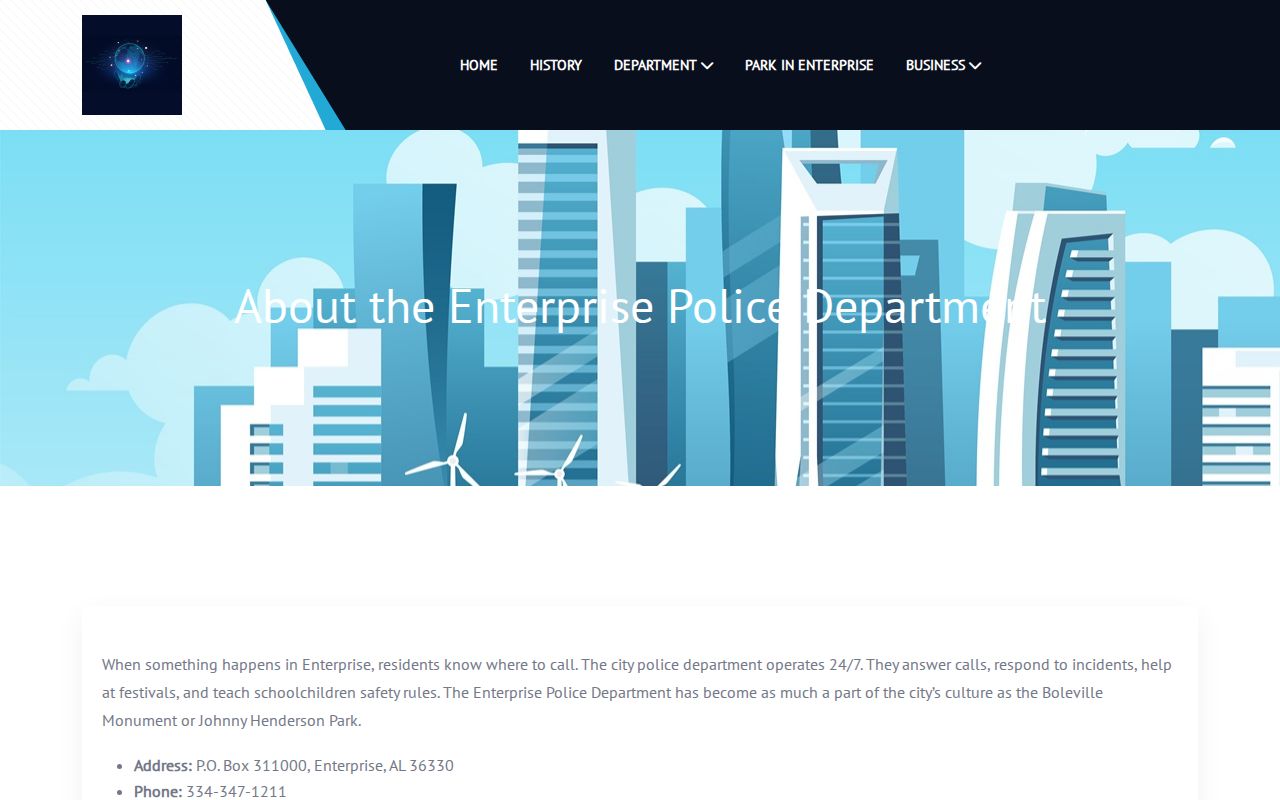
It identifies the city agency that should receive requests for Enterprise-created incident and arrest material.
Enterprise Criminal Report Timing
Enterprise’s official materials say criminal reports are usually ready the next day. Officers may have up to three business days after an incident or offense to file. A visit too soon can therefore produce no copy even though the event occurred. The useful response is to keep the incident details and call again after the filing window, not to assume that no report exists.
This timing also explains why the police, jail, and court channels can disagree during the first few days. Booking staff may already have created a custody entry. The prosecutor or court may not yet have received a complaint, and the officer’s final narrative may still be in review. For recent Enterprise criminal records, note the time each source was checked. Later docket entries can amend the initial charge, and the disposition may arrive long after the city report becomes available.
Note: A report that is still being filed is different from a record withheld because a legal access restriction applies.
Arrests and Bookings in Enterprise
An Enterprise arrest can create at least three records. Enterprise police create the incident or arrest report. Coffee County jail staff may create a booking entry with intake time, arresting agency, preliminary charge, bond, and current custody status. A court then creates a docket if a complaint or prosecution is filed. Fingerprints can also support a later entry in ALEA’s statewide criminal-history system.
Coffee County does not publish a verified stand-alone web roster in the reviewed official sources. For a current county booking, call the Sheriff at (334) 894-5535 or the jail at (334) 894-6200, or use the public office at 1133 East McKinnon Street in New Brockton during posted sheriff-office hours. The Sheriff may limit phone disclosure. For a deeper county-level route, the Coffee County arrest history resource separates booking, agency report, and court channels.
A released person may no longer appear in a current-custody source. That change does not by itself mean the charge was dismissed.
Enterprise Report Fees and Mail
The published Enterprise police-report copy fee is $3. Payment must be a cashier’s check or money order. The department’s instructions do not list a personal check, card, cash, or electronic payment as an accepted substitute for the mailed report process, so the published method should be followed unless Records confirms a change.
| Request Part | Enterprise Requirement |
|---|---|
| Copy fee | $3 |
| Payment | Cashier’s check or money order |
| Mail address | Enterprise Police Department, ATTN: Records, P.O. Box 311000, Enterprise, AL 36331 |
| Enclosures | Identification and a self-addressed stamped envelope, plus report-identifying details |
| Electronic delivery | The department states that it does not electronically send reports |
A mailed request should identify the event with care. Include the report or incident number if known, date, location, and enough requester information for the division to apply its release rules. Do not send extra sensitive details that are not needed to locate the report. Confirm current cost and eligibility when the request involves an unusual record or many pages.
Enterprise Municipal Court Records
Enterprise Municipal Court handles matters within its municipal jurisdiction and provides local background or records checks according to the city police FAQ. No comprehensive public municipal name-search form was found in the research. The sound route is the court contact or counter. Alabama traffic-payment tools should be used only for the payment purpose they state; a payment result is not a complete Enterprise criminal history.
| Court Name | Enterprise Municipal Court |
|---|---|
| Case Types Heard | City ordinance, traffic, and municipal criminal matters within the court’s jurisdiction |
| Case Lookup Channel | Municipal court contact or counter; no complete public city case-search form was verified |
| What the Docket Shows | Filed charge, settings, plea or judgment, financial entries, and case outcome when public |
| Copies & Fees | Ask the court for its current copy and local-check terms; no municipal search fee was located |
A city case can stay municipal, while a state-law matter may proceed in Coffee District or Circuit Court according to charge and venue. The court named on the citation, complaint, or docket is the best routing clue.
Enterprise Records Across County Lines
Enterprise straddles Coffee and Dale Counties. The 2024 Census estimate counted 30,085 residents in the Coffee County part and 646 in the Dale County part, for a whole-city estimate of 30,731. A city name or mailing address therefore does not prove which county holds a state-court file. Confirm the event location and the county named on the complaint before contacting a clerk.
If the matter arose on the Coffee County side, eastern-division District and Circuit Court records are kept at the Enterprise courthouse. A Dale County matter routes through Dale County offices even though Enterprise Police may still be the originating agency. This is the most important local check when a valid search returns no result. Ask the city agency for its report number and the county or court to which the case was sent. That answer is more reliable than repeating a name search in the wrong venue.
Enterprise Eastern-Division Court Records
The Coffee County Courthouse, Enterprise Division, is at 101 South Edwards Street, Enterprise, AL 36330. The clerk’s published Enterprise line is (334) 347-2519, and the mailing address is P.O. Box 311284, Enterprise, AL 36331. The division is the city’s state-court route for Coffee County matters, separate from the municipal court.
District Court handles misdemeanors and preliminary felony proceedings. An indicted felony moves into Circuit Court. The public file may show the case number, charges and amendments, docket events, bond, pleas, orders, disposition, and sentence. Public electronic dockets and court records may be viewed without charge at the clerk’s office during regular hours under Alabama’s court-record rules. Remote Just One Look access is paid. Older or unscanned items may require a clerk request by approximate year.
The full prosecution file, not the police report, answers whether an Enterprise charge was dismissed, amended, tried, or resolved by plea.
Where Enterprise Records End Up
An Enterprise event moves through systems in stages. Police retain the original city report. A county jail intake remains with the Sheriff. Enterprise Municipal Court keeps city cases, while Coffee District and Circuit Court keep state prosecutions assigned to the eastern division. Courts report qualifying dispositions into the statewide criminal-history chain maintained by ALEA.
Record flow: Enterprise PD › Coffee County Courts › Alabama Law Enforcement Agency
The flow is not a promise that every screen updates at once. A report can be ready before a docket exists. A booking charge can change after prosecutor review. ALEA’s fingerprint-supported summary may lag a court outcome or omit an event that was never matched. For one’s own record, compare the city report, court disposition, and ALEA self-review, then use the official challenge route if the state entry is wrong.
Enterprise Records After City Hall Renovation
Enterprise’s renovated City Hall reopened in August 2025 after a reported $8.5 million project. The building houses municipal court and police-record functions, so the change matters to an in-person Enterprise records visit. Renovation coverage described updated access and technology, while the police annual report described a 24-hour lobby, a desk sergeant, an evidence technician, a dispatch center, and holding cells in the sally port.
The City Hall reopening coverage is represented by this image.
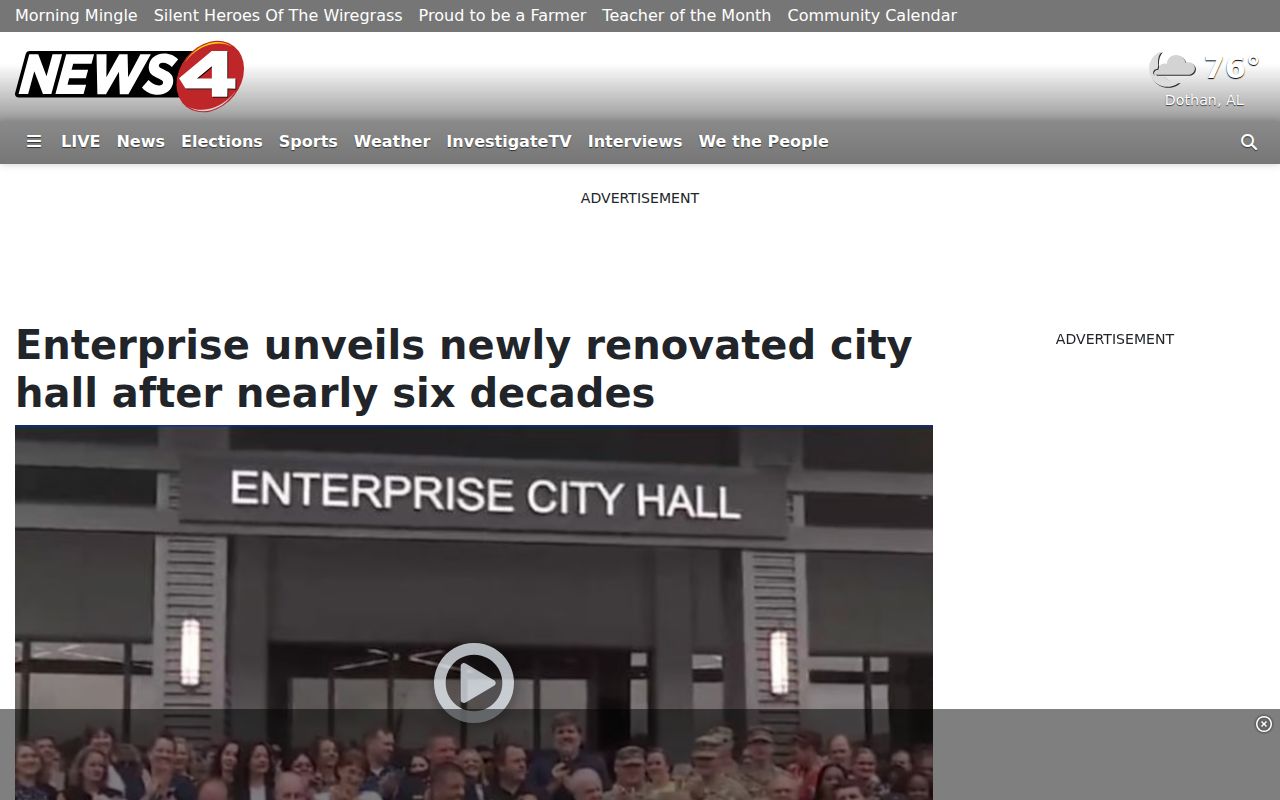
The renovation gives useful context, but it does not replace the published Records Division hours or create an always-open report-copy counter. Call the direct records line when timing matters.
Enterprise Report or Court Record
The fastest route depends on the question. Ask Enterprise Police for what officers recorded about the event. Ask Coffee County jail for current custody or booking facts. Ask Enterprise Municipal Court for a city case. Ask the eastern Coffee clerk for a District or Circuit case. A single request to one office cannot stand in for the other records.
- Incident report
- The police narrative and agency actions tied to an event.
- Booking record
- The jail intake and custody entry, with preliminary charge and bond data when public.
- Docket
- The court’s dated list of filings, settings, and orders.
- Disposition
- The formal result of a charge or case, such as dismissal, acquittal, plea, or conviction.
These distinctions prevent a common error. An arrest is not a conviction, and the first charge label is not always the final judgment.
Public Access Rules
Enterprise police and court access is governed by the Alabama Open Records Act, court privacy rules, and laws that restrict criminal-history dissemination. A narrow request to the office that created the record is more likely to succeed than a request for every item tied to a name. Juvenile and youthful-offender matters, sealed or expunged files, protected victim data, full personal identifiers, active investigation details, and security-sensitive facts may be withheld or redacted.
Key Statutes:
Alabama Code §§ 36-12-40 through 36-12-41 give Alabama citizens a right to inspect and copy public writings, subject to lawful exceptions.
Alabama Code § 36-12-45 sets acknowledgment and response procedures for public-record requests.
Alabama Rules of Court-Record Privacy and Confidentiality protect identifiers and confidential case types while allowing free public clerk-counter viewing.
Alabama Code § 41-9-601 penalizes obtaining criminal-offender information by false pretenses or disclosing it without authority.
A redaction removes protected facts from an otherwise releasable page. It does not mean the whole Enterprise record was erased. When an outcome appears wrong, obtain the court disposition and use the record keeper’s correction or challenge process.